Signing into Verify Privilege Vault Remote
When opening Verify Privilege Vault Remote locally on your system, you are presented with a Sign-in modal.
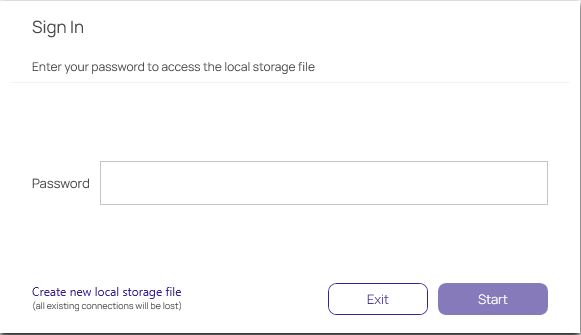
- Enter the password you previously created.
- Click Start.
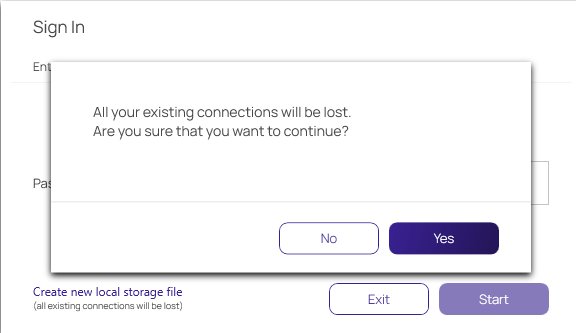
You can choose to Create new local storage file, however that will remove all existing connections for your system.