Navigation Tree
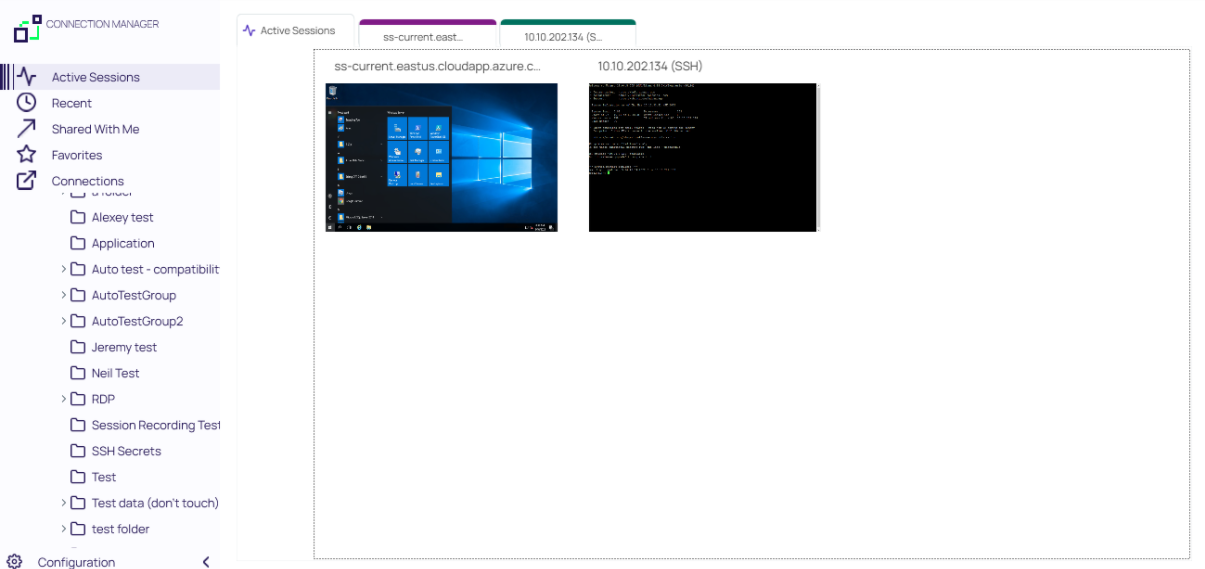
Active Sessions
Select to view all active sessions.
Favorites
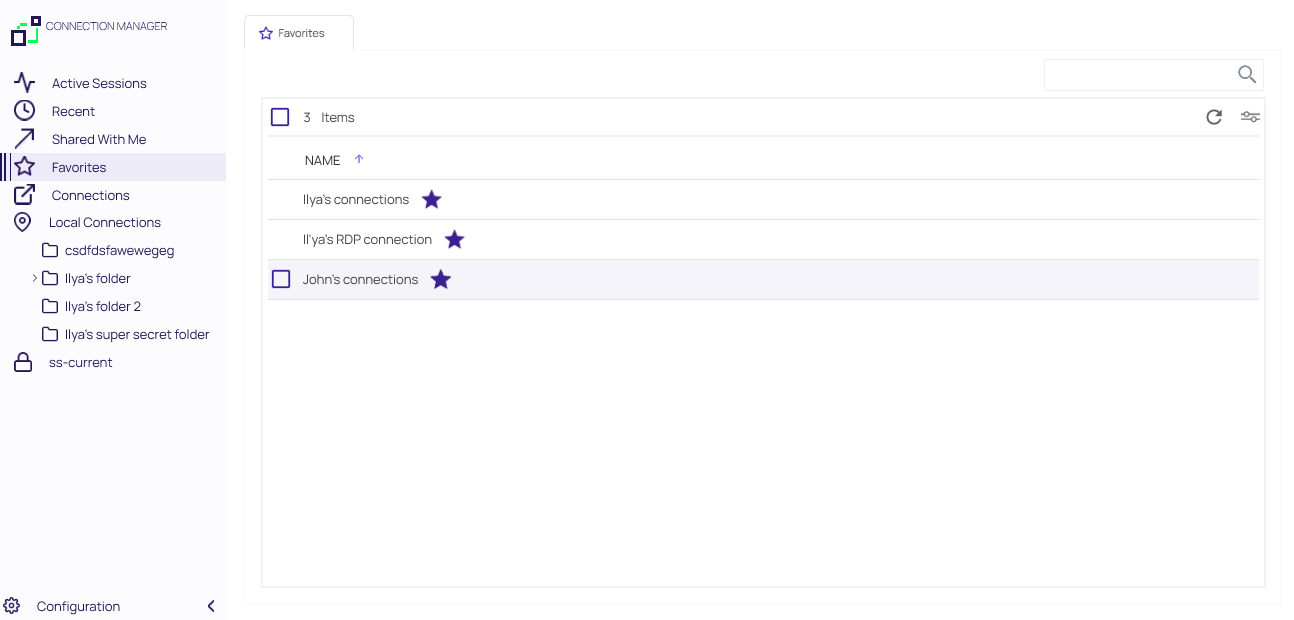
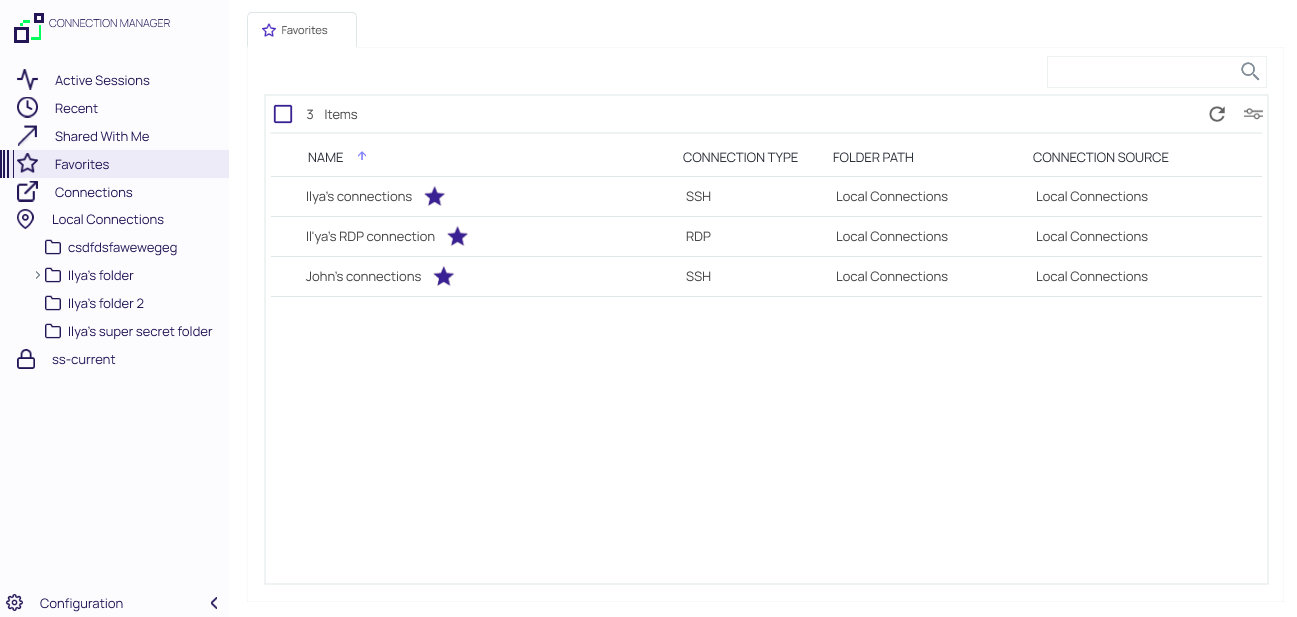
You can add favorite connections by hovering over an existing connection and selecting the star. Favorites that are specified in Verify Privilege Vault Remote will also be listed as favorites in Verify Privilege Vault and vice versa.
Favorites page showing only local connection favorites:
Favorites page showing local and Verify Privilege Vault connection favorites:
Shared With Me
Select to view or launch all secrets and sessions shared with you from all currently connected secret servers.
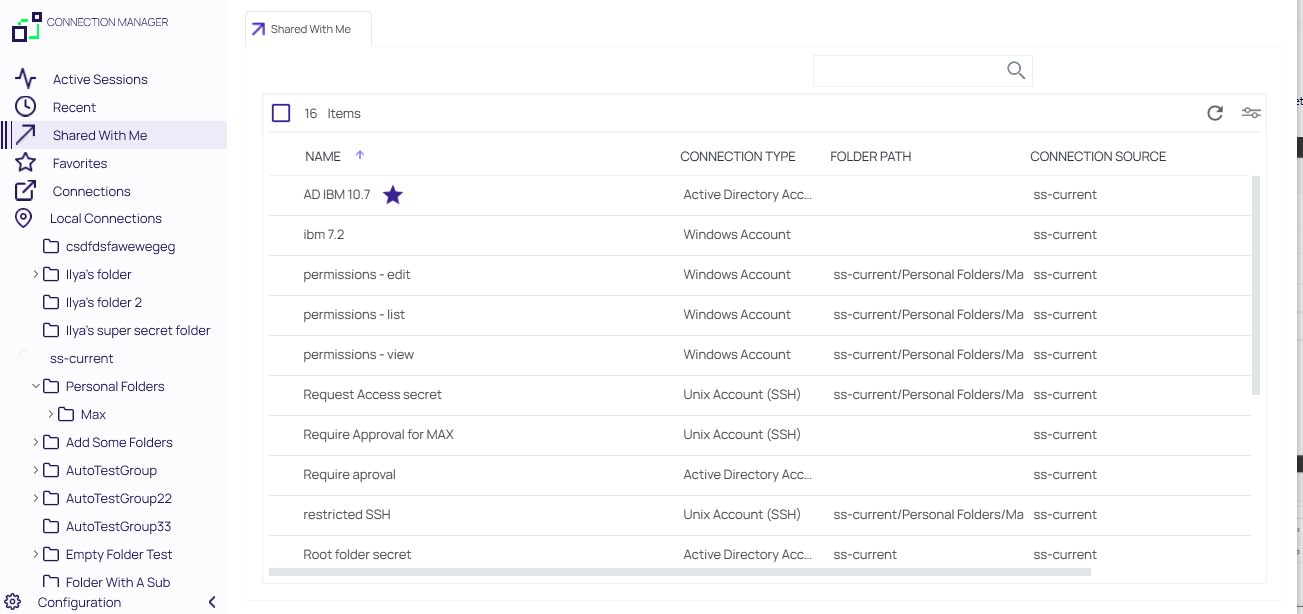
Double clicking on these Secrets will launch sessions.
Recent
Select to view or launch recently active sessions or to create a new Verify Privilege Vault connection.
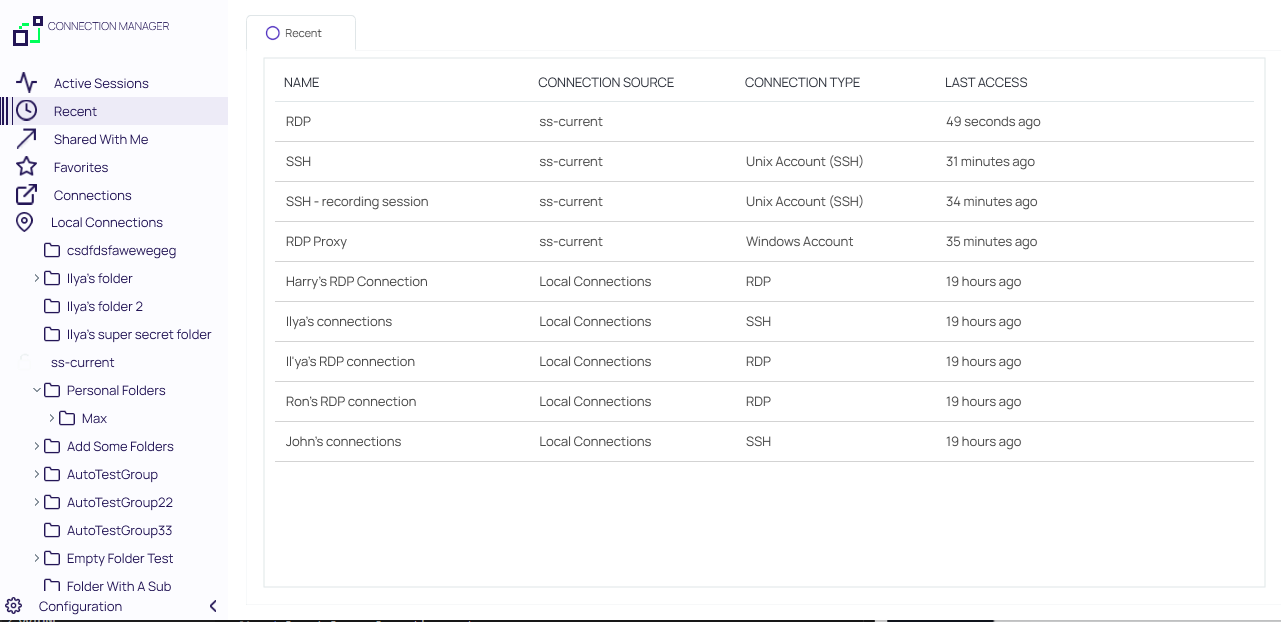
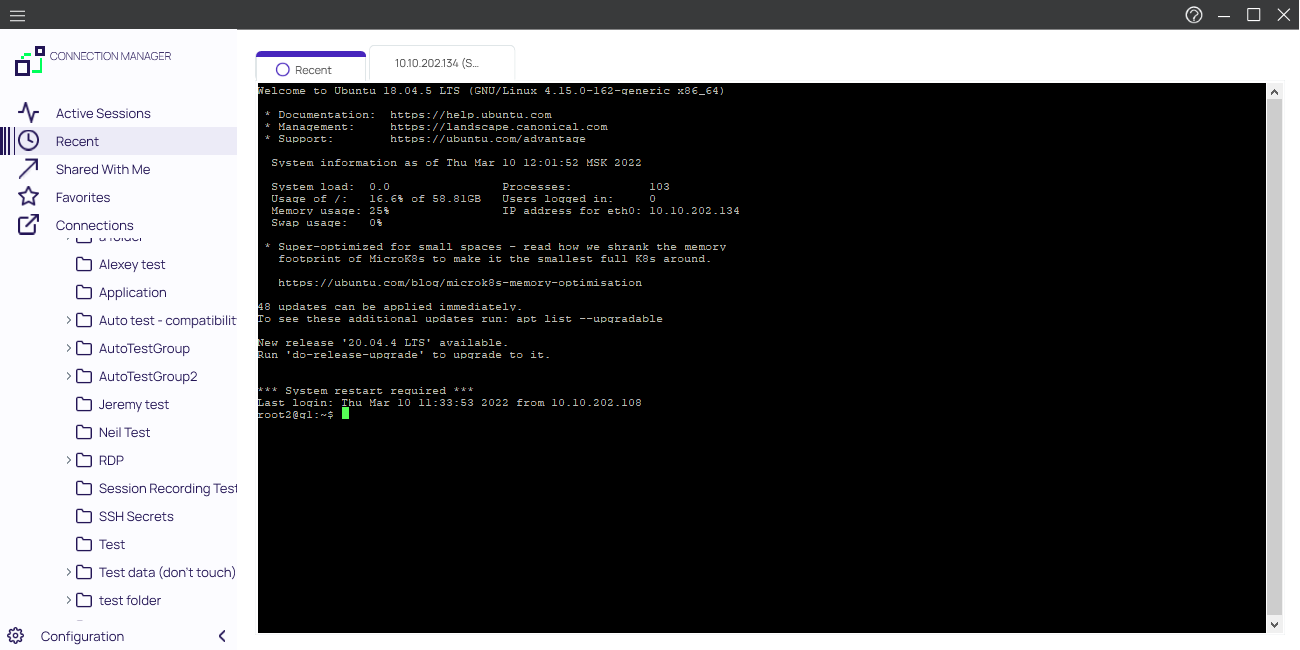
Existing entries also display connection type. These can be viewed via tab.
Connections
Select to display the folder tree for Local and Verify Privilege Vault connections.
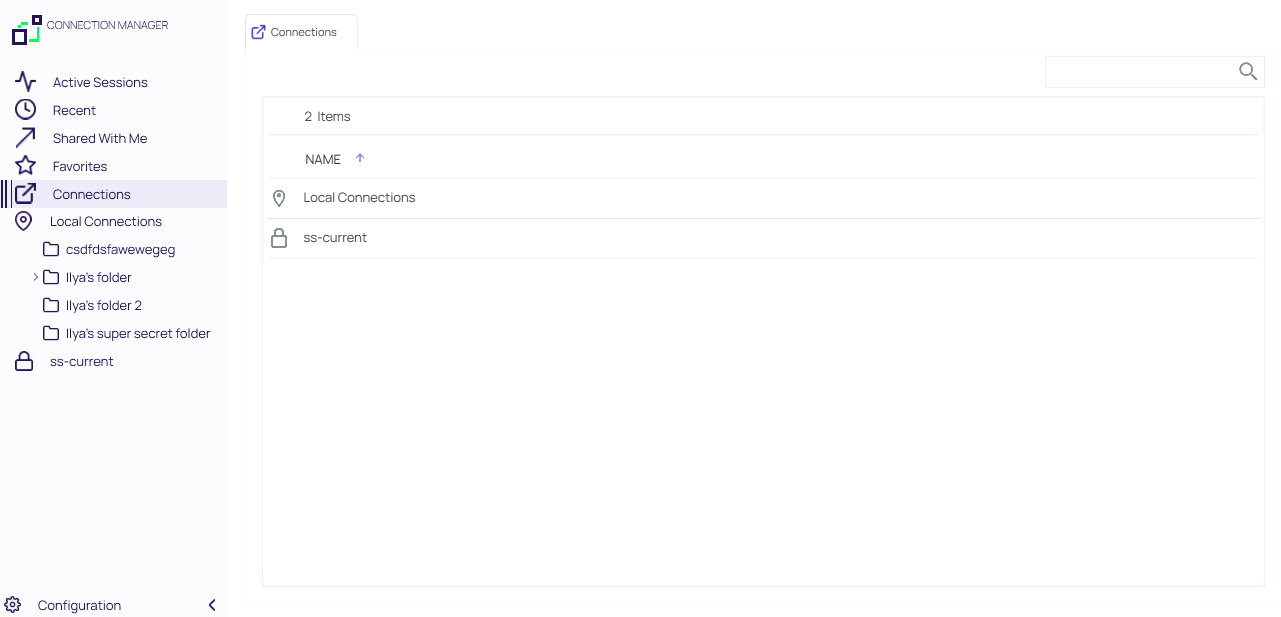
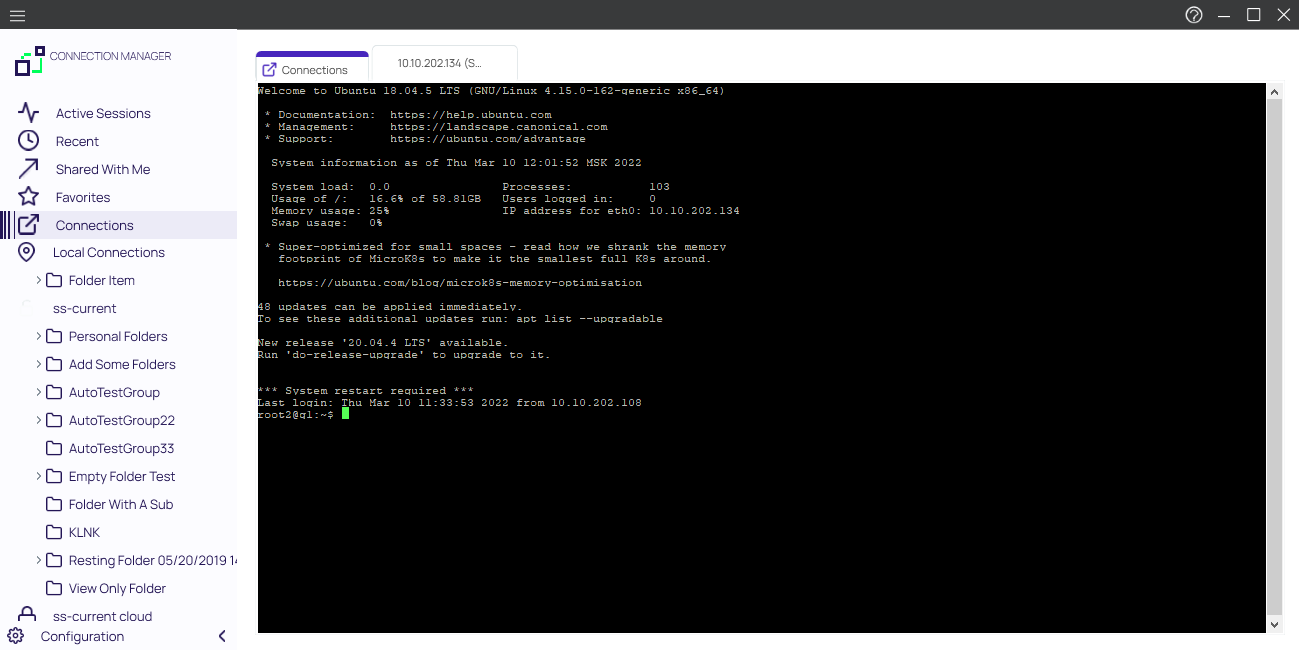
Navigate using the tree, or drill-down through folders to display in the work area window. Existing connections can be viewed via tab.
Local Connections
Select to view all local connections. In this view, you can drag and drop folders to organize them logically.
Shared with me
Select to view all secrets/sessions shared with you from a Verify Privilege Vault connection. You can double-click these Secrets to launch sessions for them.
Configuration
Clicking within this area brings up a sub-menu with options such as
- Verify Privilege Vault Connections and
- Global Configurations.
The < can be used to collapse and > expand the Navigation menu.