Filtering Logs for Troubleshooting
For troubleshooting your macOS agent, there are multiple ways to stream and filter logs.
Collecting Logs
There are two main ways to gather logs from the macOS Agent.
-
Using the Privilege Manager macOS Agent Utility (agent version 12.0.5 and later)
-
Using the macOS Console application
Refer to the Control Panel Tab for more information on collecting logs with the Agent Utility.
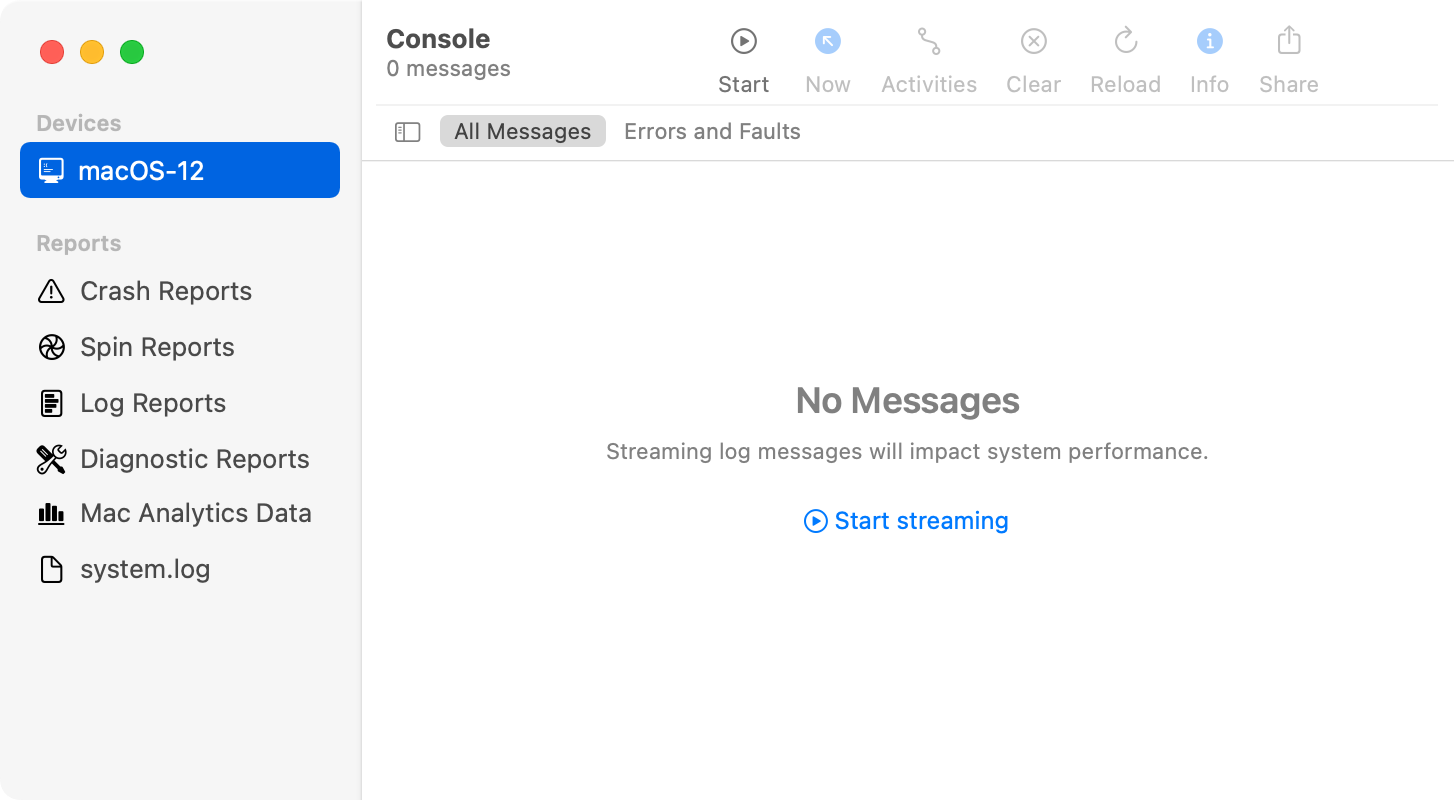
Logs can be found and streamed live in the macOS Console application. In the left menu, select your computer under Devices, then select Start streaming to view logs. In the Action tab, choose to include information, debug messages, or both.
Filtering Logs
When inspecting a previously exported logarchive bundle or when streaming logs live using the Console app, predicates can be used for filtering. Refer to Apple’s documentation for Find log messages and activities in Console on Mac for more Apple focused information on filtering in the Console.
The subsystems of interest are:
-
com.delinea.acs -
com.delinea.acs.authplugin -
com.delinea.pm.AgentUtility -
com.delinea.pm.core -
com.delinea.pm.eventprocessor -
com.delinea.pm.eventuploader -
com.delinea.pm.fileinventory -
com.delinea.pm.localsecurity -
com.delinea.pm.agentutilityhelper -
com.delinea.pm.common -
com.apple.Authorization
The com.delinea.* subsystems are all subsystems that make up the macOS Agent. The File Inventory logs have the com.delinea.pm.fileinventory subsystem, the Local Security logs have the com.delinea.pm.localsecurity subsystem, and so on. Apple provides logs about the authorization database and authorization rights using the subsystem com.apple.Authorization which can be helpful when troubleshooting issues with AuthorizationDB Right Actions.